 Linkedlytics
For agencies
Give every client a clear view of their LinkedIn performance.
Build a repeatable reporting process across the profiles you manage. Keep client context clear, explain audience quality, and turn monthly results into a practical next step.
01
Organise client profiles
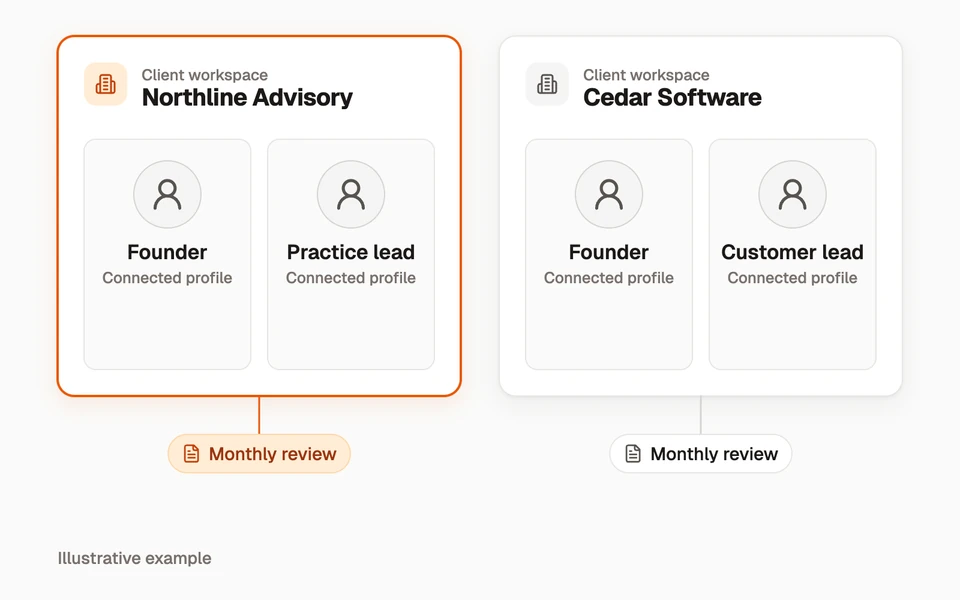
Use workspaces to organise client activity and reporting. Select the profiles relevant to each review before comparing results, so one client’s activity does not become another client’s headline.
When connecting an AI app, choose which workspaces and capabilities it can access. A connection across multiple clients still needs an explicit workspace selection for each task.
Example workspace structure · fictional clients
Two client teams
- Northline Advisory
- Founder + practice lead
- Cedar Software
- Founder + customer lead
- Reporting cadence
- One monthly review per client
02
Make the next decision
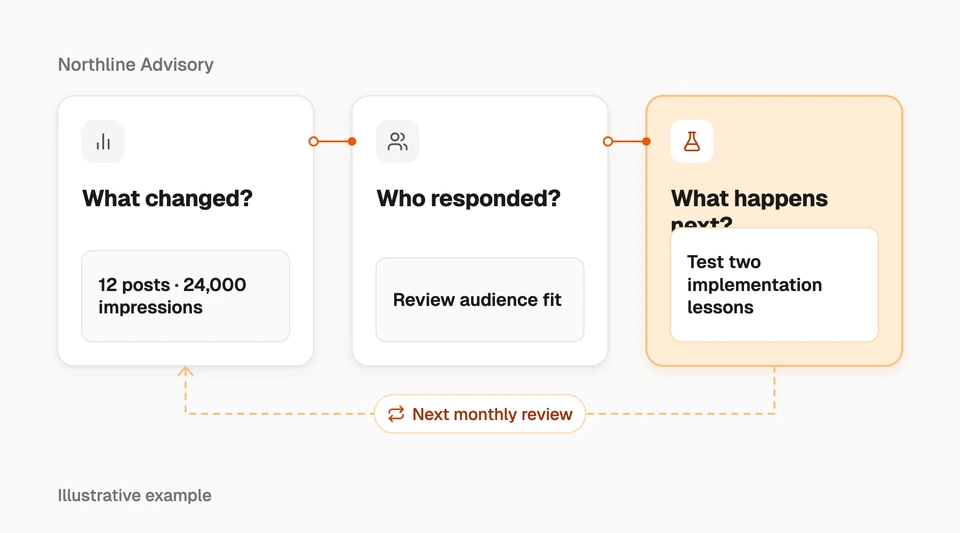
Start with output and reach, then review the people behind engagement. Show the strongest posts, explain the limits of the data, and propose the next topics to test.
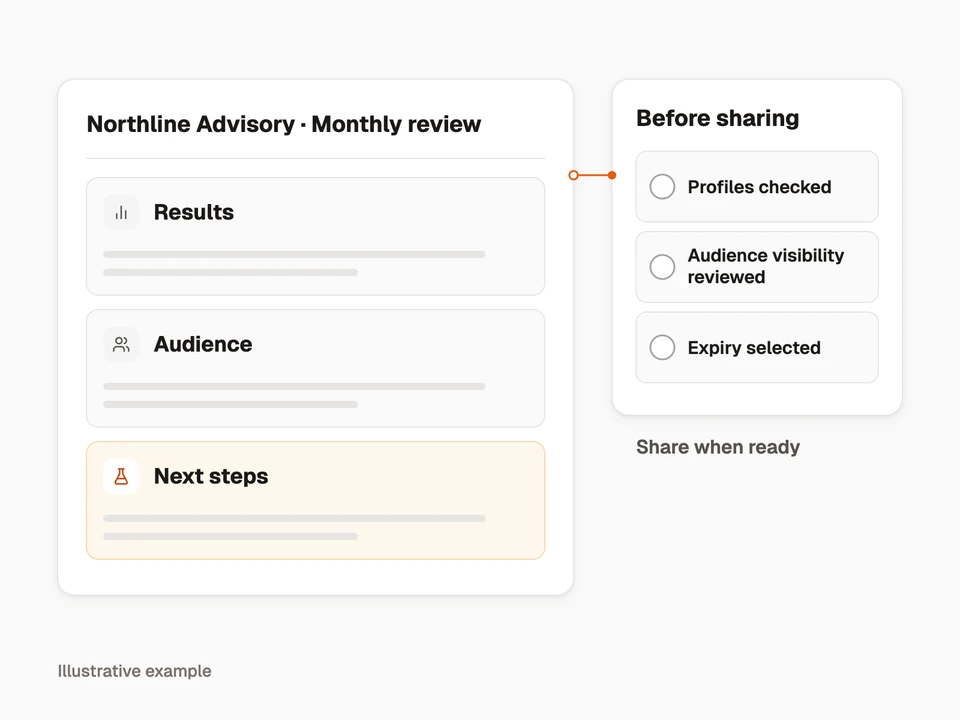
A report link gives clients a place to review the selected results without needing their own Linkedlytics account. Check audience visibility and link expiry before sharing.
- Compare consistent profiles and reporting periods.
- Connect content themes to observed audience fit.
- Share the report with a short interpretation and next actions.
03
Save your reporting workflow
A spreadsheet remains useful for an archived snapshot. Linkedlytics is useful when you want to return to the same views and share a report that reflects the data currently available.
| Stage | Manual workflow | Linkedlytics |
|---|---|---|
| Collection | Gather available analytics and record the collection date. | Collect supported data for connected profiles; monitor freshness. |
| Organisation | Maintain files, profile names, and date ranges. | Use workspaces, profile filters, and saved views. |
| Interpretation | Review content and people yourself. | Review content, audience fit, and optional AI-assisted analysis. |
| Delivery | Send a spreadsheet or deck snapshot. | Share a report link with selected visibility and expiry. |
| Follow-up | Record decisions in your own process. | Use findings to guide the next content cycle; Pro adds outreach workflows. |
04
Plan your profile costs
Software pricing is per connected LinkedIn profile, rather than per client name. A client with three connected executives counts as three profiles. Team access does not add a per-seat software charge.
The examples below assume all profiles use the same plan, monthly billing in USD, and exclude any applicable taxes or separate AI subscriptions.
| Connected profiles | Standard | Pro |
|---|---|---|
| 1 | US$15/month | US$25/month |
| 5 | US$75/month | US$125/month |
| 10 | US$150/month | US$250/month |
Questions, answered
Is this a multi-network agency reporting tool?
These pages describe LinkedIn workflows. If your core requirement is a consolidated report across advertising and several social networks, evaluate a product with that coverage.
Is branded reporting the same as full white labelling?
No. You can configure report presentation and branding options, but this is not a promise of a custom-domain reseller platform or the removal of all Linkedlytics identity.
Can an agency connect all clients to one AI app?
Workspace connections can grant access to selected clients and capabilities. Each action must stay within those grants, and some tool families still require a single-workspace token. Review the MCP reference before choosing a workflow.
Start your next client review
Start your free trial to connect your client profiles and build a clearer reporting workflow.
Start a trial to set up your client reporting7-day free trial