 Linkedlytics
Shield alternative
Build your next LinkedIn reporting workflow with a clear transition plan.
If you are evaluating a replacement for Shield, start with the reporting jobs and history you need to preserve. Linkedlytics is an option for content analytics, audience fit, client reports, and authorised AI workflows.
By Linkedlytics · Reviewed
01
Plan your next workflow
Shield’s company LinkedIn page shares its founder’s announcement that Shield is winding down. We checked that primary source on 17 October 2026. Consult Shield directly for any remaining account access or export arrangements.
This guide is published by Linkedlytics. It describes where our product may fit and what to verify before switching; it is not an independent review or a claim of feature-for-feature parity.
02
Compare your reporting needs
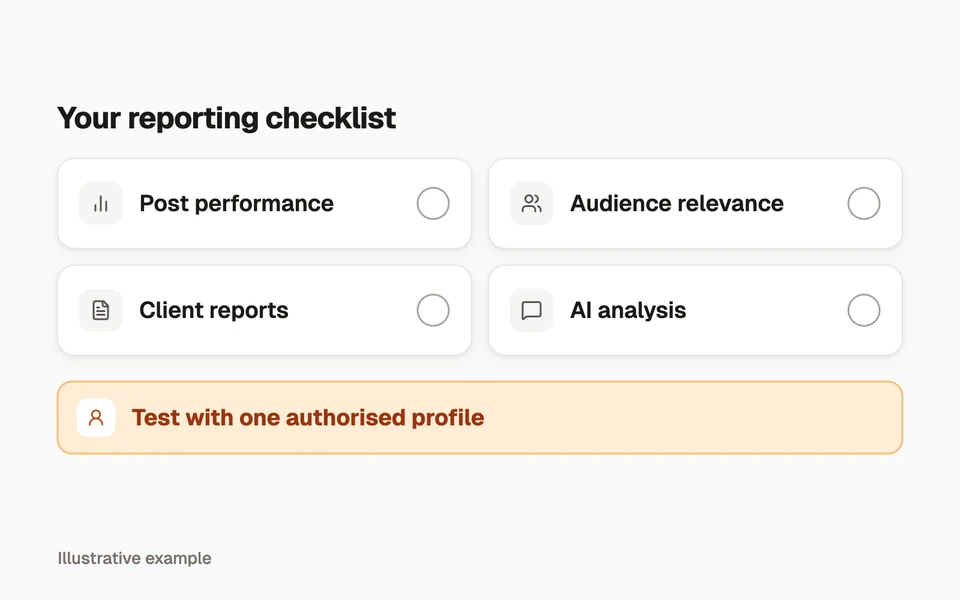
Start with your must-have reporting tasks and test them using a profile you are authorised to connect. Avoid making a transition decision solely from a list of feature names.
| Your requirement | What to evaluate in Linkedlytics | Boundary to check |
|---|---|---|
| Post performance review | Collected post metrics, saved views, and comparisons. | Required metrics, available dates, and collection freshness. |
| Audience relevance | Observed engagers and your ICP criteria. | Coverage and classification quality for your audience. |
| Client delivery | Configurable, shareable report links. | Branding, visible details, expiry, and snapshot needs. |
| AI-assisted reporting | MCP access to authorised workspaces. | Client setup and the tools available to that connection. |
| Historical continuity | Keep your existing exports as a separate archive. | No automatic Shield-history import is promised. |
| Budget | Standard US$15 or Pro US$25 per profile/month. | Profile count, required plan, taxes, and separate AI costs. |
03
Keep your reporting history
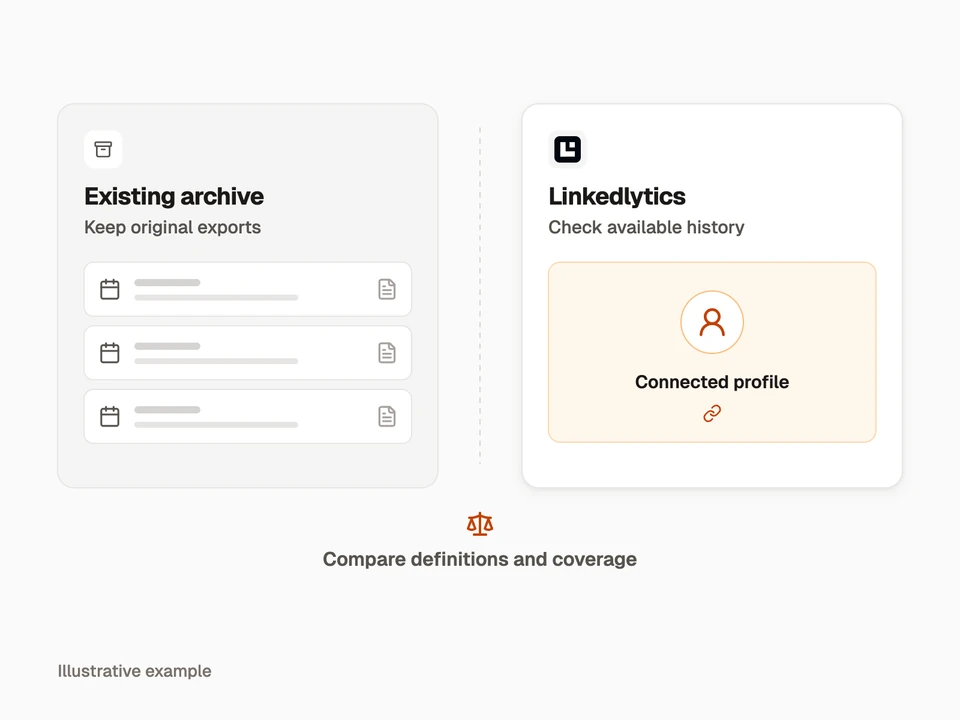
Save any reports and exports you can still obtain, including their date ranges, metric definitions, and export dates. Keep the original files unchanged so you have a reference for past client reviews.
Connect one authorised profile to Linkedlytics, inspect the available history, and recreate one essential report. Compare definitions and coverage before connecting the rest of your clients.
- Keep existing exports and report snapshots.
- Record the last complete period in the old system.
- Check missing history and metric differences in the new system.
- Explain the transition boundary to clients.
04
Check your must-haves
Linkedlytics is worth evaluating if your priority is recurring LinkedIn reporting, observed audience fit, client workspaces, and MCP analysis.
If your non-negotiable requirement is a tested import of all Shield history, multi-network reporting, or a specific company-page or advertising metric, verify a product with that exact capability before committing. We do not claim an automatic Shield migration.
Questions, answered
Can Linkedlytics import all of my Shield history?
This page does not promise an automatic Shield-history import. Preserve your exports separately and check the historical data available after connecting a profile to Linkedlytics.
Does Linkedlytics offer the same metrics and features as Shield?
We do not claim exact parity. Evaluate the required metrics, dates, reporting format, and workflow using your own authorised profile before switching.
Try your next reporting tool
Start your free trial to explore the data available in Linkedlytics and build the report you need.
Start a trial to try Linkedlytics7-day free trial