 Linkedlytics
ChatGPT connection guide
Use your Linkedlytics reporting data in ChatGPT.
Add Linkedlytics as a custom MCP connection, select its authorised workspace context, and ask ChatGPT to help you examine the data behind a client report.
By Linkedlytics · Reviewed
01
Check connection support
Use ChatGPT on the web with permission to add and use custom MCP servers. Availability depends on your account and workspace security settings. Your Linkedlytics subscription does not include a ChatGPT subscription.
The instructions below follow OpenAI’s current custom MCP server documentation, checked on 17 October 2026. If your interface uses different labels or blocks custom connections, check your account’s connection support and workspace settings.
02
Connect ChatGPT
Open ChatGPT Plugins, select the plus button, and choose Add custom MCP server. Name it Linkedlytics and use the server address below.
https://www.linkedlytics.com/api/mcp
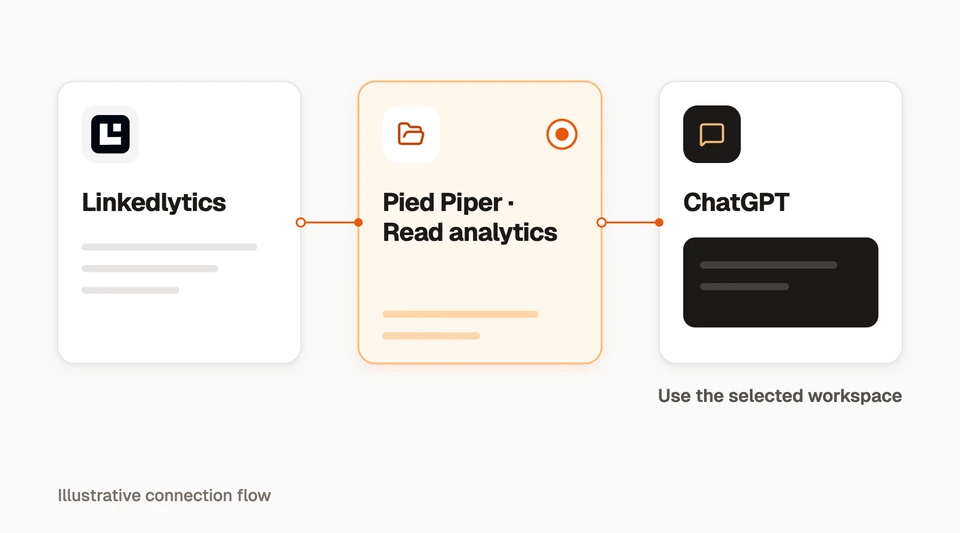
Choose OAuth authentication and automatic client registration (DCR) when offered. Review the connection notice and create the plugin. Install it, sign in to Linkedlytics when prompted, and select the workspace capabilities you want to grant.
In a new conversation, use @ to select the installed Linkedlytics plugin. Ask explicitly for Linkedlytics data so the assistant uses the connection for the task.
03
Check your connection
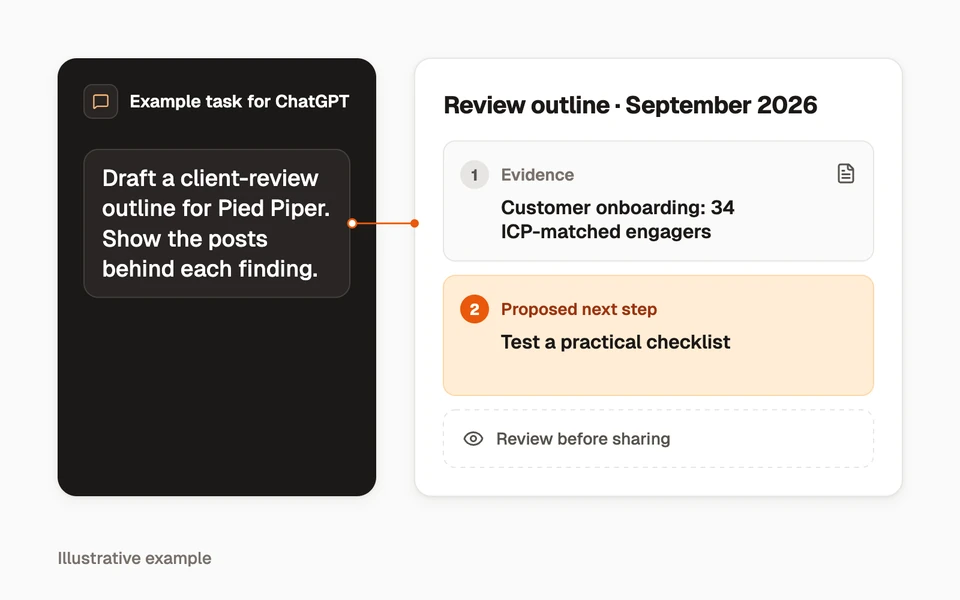
Ask the assistant to list the workspaces available through Linkedlytics, then select the correct workspace and list its profiles. This confirms the context before analysis.
Next, ask it to compare two explicit date ranges for one profile. If there is no collected data, it should explain what is missing rather than invent a result.
04
Choose the right permissions
A workspace connection uses your Linkedlytics sign-in and the workspaces and capabilities you approve. When more than one workspace is available, identify the intended client before requesting an operation.
Some settings, drafting, scheduling, and calendar tools currently use the separate single-workspace token connection. They are not included in the newer workspace-grant connection. Check the tool reference before planning a publishing workflow.
- Begin with reporting access for a read-only analysis.
- Review permissions before enabling actions that change or share information.
- Remove access in Linkedlytics Settings → MCP (AI connections) when it is no longer needed.
05
Troubleshoot your connection
A successful sign-in does not mean every tool or profile is available. Check the connection context before retrying.
| Symptom | What to check |
|---|---|
| The connector option is missing | Your AI account’s current plan and workspace administrator permissions. |
| No workspace or profile appears | The Linkedlytics account used to sign in and its granted workspaces. |
| A period is empty | Profile selection, date range, collection history, and connection freshness. |
| A tool is unavailable | Connection type, capability grants, and product entitlements. |
| A write needs review | The intended client, target object, operation details, and approval request. |
| Connection fails after a change | Re-authorise the connection if access changed; contact support with the error, not a secret token. |
06
Plan recurring tasks
Adding the connection gives ChatGPT a way to request permitted Linkedlytics tools. It does not itself create a weekly report, schedule a message, or guarantee that an AI client can run a task unattended.
Check the AI client’s current task features and permissions before designing a recurring workflow. Start by verifying one read-only result with the correct dates and profiles.
Questions, answered
Does ChatGPT connect directly to LinkedIn?
In this setup, ChatGPT connects to Linkedlytics. Linkedlytics checks workspace access and supplies the available data or tools. It is not an official LinkedIn connector.
Can I use every Linkedlytics tool through this connection?
The available tools depend on workspace grants and connection type. Some settings and publishing tools still require a separate single-workspace token. Check the tools reference for the distinction.
Bring your data into ChatGPT
Start your Linkedlytics trial, then follow the setup guide to connect ChatGPT to your authorised workspace data.
Start a trial to set up your ChatGPT connection7-day free trial